Step sequencer
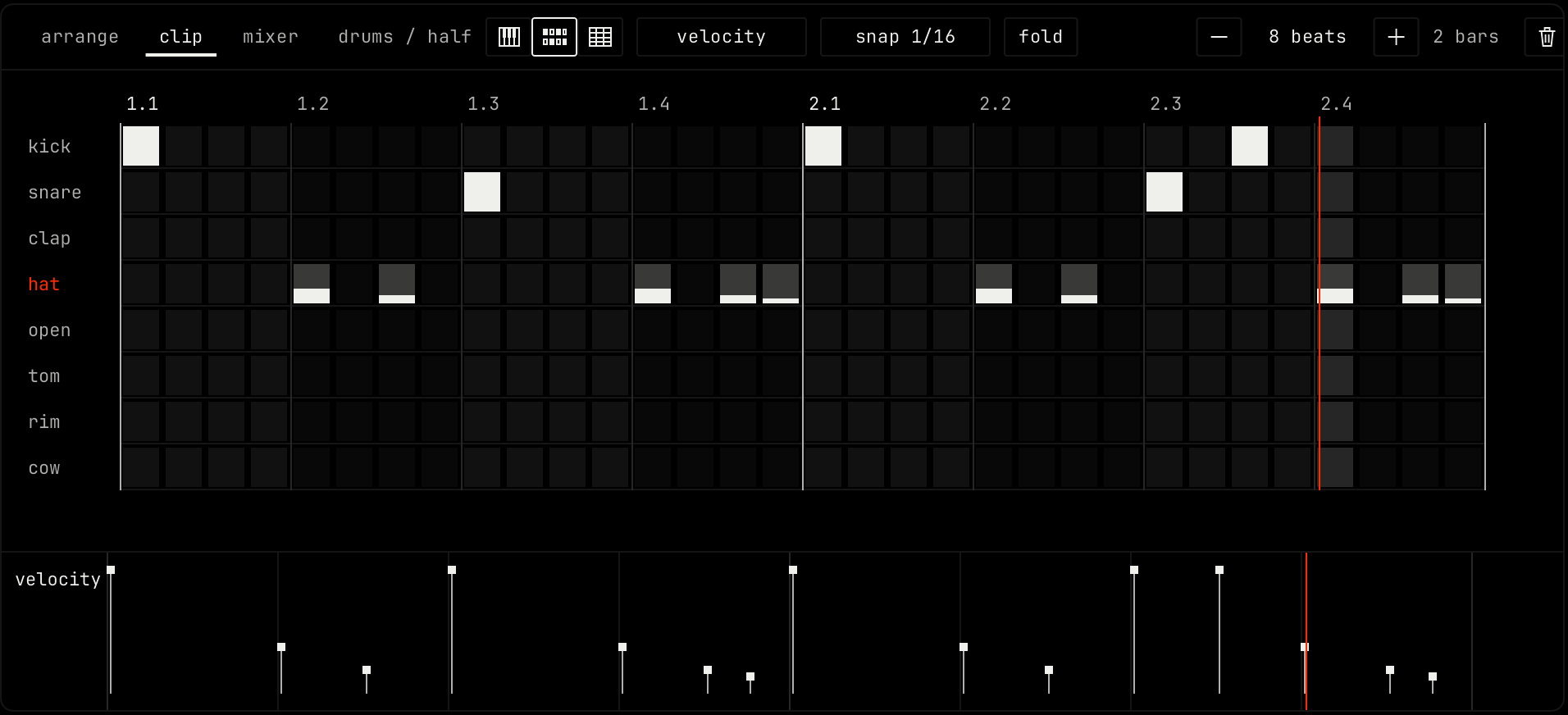
The step sequencer shows notes as a grid of cells. Each row is one drum pad, or one pitch on a pitched channel. Each column is one step. Use it for drum patterns and short loops.
Editing
| Action | Result |
|---|---|
| Click a cell | Turns it on or off. |
| Drag across cells | Turns each cell you cross on or off, the same way as the first one. |
| Drag from the right edge of a lit cell | Holds the note over more steps. |
The step length follows the snap setting in the header, from a 1/32 note to a 1/4 note. Notes you played off the grid stay as they are. A click on their cell selects them and does not delete them.
The lane under the grid works as in the piano roll.