Projects
A project is one song. It is saved as one .launcher file. The file holds the song and the audio it uses, so you can move it to another computer.
New and open
| Item | What it does |
|---|---|
| new project | Starts a project named project 01 with one empty channel. Its tempo and time signature come from Settings, new projects. |
| open... | Opens a project file in a new launcher window. Double-clicking a .launcher file also opens it. |
| open demo song | Opens the demo song in a new window. |
| open recent | The projects you opened last, in the file menu and in the projects section of the browser. |
All of these are in the file menu of the app menu.
Save
save (cmd s) writes the project to its file. save as... (shift cmd s) writes it to a new file. A * after the project name in the transport bar means there are changes that are not saved. Click the name to rename the project.
If you start a new project, or close launcher, while there are changes that are not saved, launcher asks first:
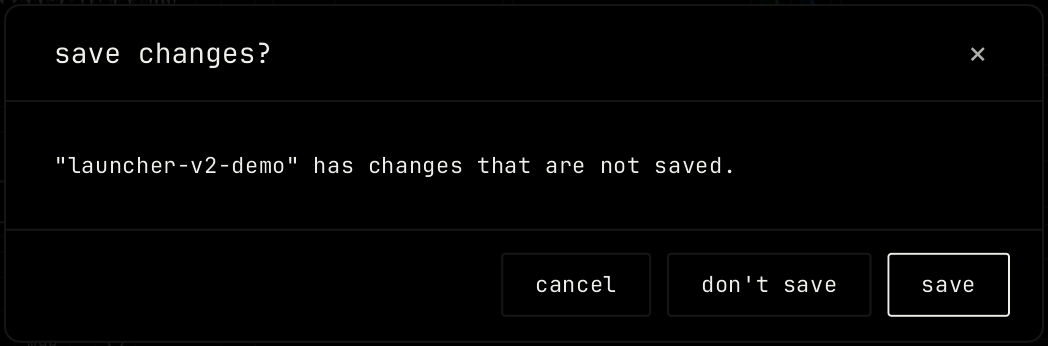
save saves and goes on. don't save drops the changes. cancel goes back. A recording that runs stops first.
Export audio
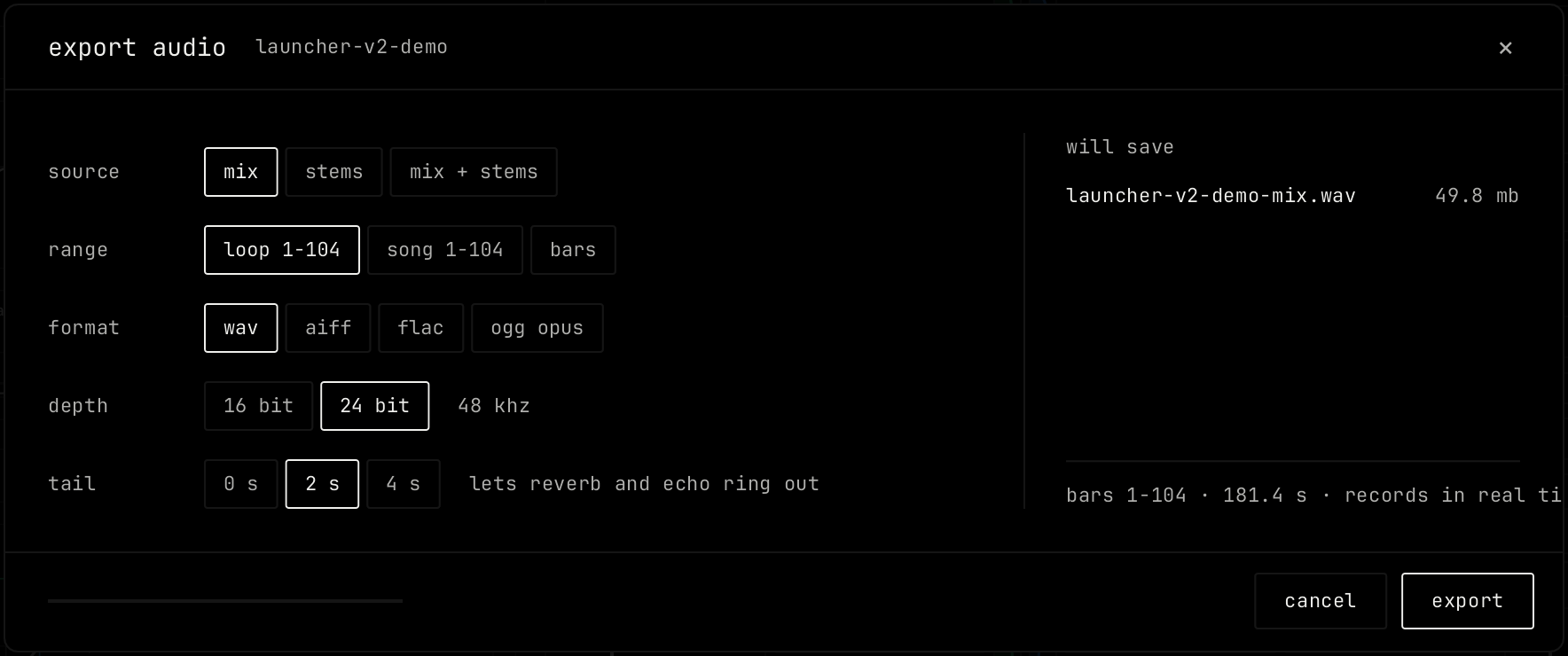
Pick export audio... in the file menu, or press shift cmd e.
| Setting | What it does |
|---|---|
| source | mix: the whole song in one file. stems: one file for each channel. mix + stems: both. With stems, pick the channels to export. |
| range | loop: the loop range. song: the whole song. bars: bars you set. |
| format | wav, aiff, flac or ogg opus. |
| depth | 16 bit or 24 bit. The sample rate shows next to it. |
| tail | 0 s, 2 s or 4 s after the end, so reverb and echo can ring out. |
The right side lists the files the export will save, with their sizes. The line at the bottom shows the bars and the length. Click export to start. The bar at the bottom shows the progress, and stop ends the export early. Set the defaults in Settings, export defaults.
MIDI files
export midi file writes the notes of the song to a MIDI file. import midi file... reads one: a file with one part becomes a new clip on the selected channel, and a file with more parts adds one channel for each part, up to 16. To export one clip, right-click it and pick export as midi file.
Recovery
launcher keeps a copy of unsaved work every few seconds. If launcher closes before you save, it asks at the next start: restore your work? It lists the projects it kept. restore opens them. discard deletes the copies.